Industry and data centres
Inspections in technical environments
You inspect an agreed zone and note per installation what was observed and what follow-up is needed.
Request a demo
What matters in this sector
A technical environment is full of installations that look alike. Without a register nobody knows exactly what is there, where, and in what condition. That is the starting point for maintenance and statutory inspections.
With Maintainspect you record each installation per room with a photo, a description and its condition, on the floor plan. In our own practice an office of 3,658 m² was surveyed this way in four hours: 1,717 assets.
Assignments you use it for
- Baseline survey of electrical and mechanical installations
- Recurring inspection per zone
- Survey for a maintenance contract
What do you look for during the inspection?
- Plant rooms
- Cooling installations
- Equipment positions
A question from practice
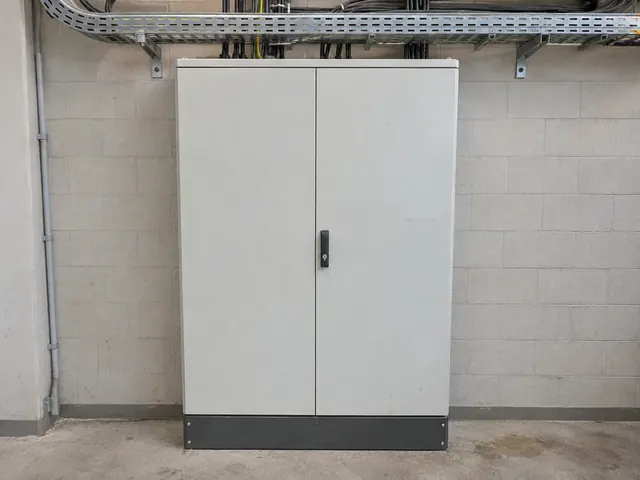
Which installation belongs to this photo? Record the installation in the room where it stands, so it is clear afterwards which of the ten cabinets it was.
How you record it
01
Photo of the distribution board
Take the photo and record what it is and what condition it is in. The finding is filed under Plant room 0.12.
02
Record the location
Do you have a floor plan? Tap the spot where you are standing. Without a drawing you pick or type the location, for example Plant room 0.12.
03
Check and report
The overview shows what is still open, for example under plant rooms. Then you share the report.
Related sectors
Energy and utilities
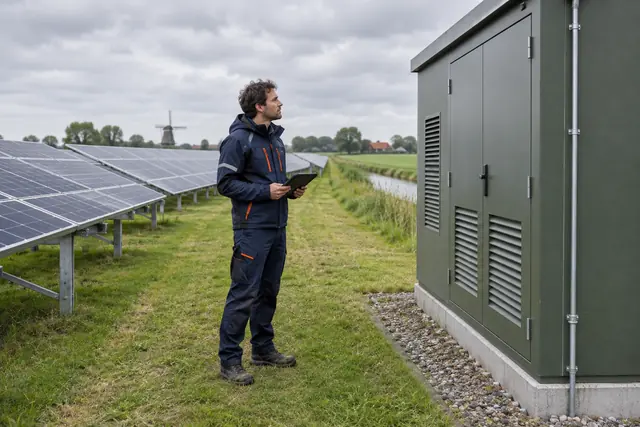
Handover of installations at a charging hub or solar park

Logistics and distribution
Round past loading docks, doors and impact protection
Discuss your inspection
Tell us which locations and components you inspect. We will show how that works in the tool.
Request a demo