Logistics and distribution
Inspections in distribution centres
On a round past the loading docks you record which dock needs attention and what that means for its use.
Request a demo
What matters in this sector
In a distribution centre a defective dock or a hit rack has immediate consequences for operations. A report without a position and without a view on usability does not help planning.
With Maintainspect you walk the hall and the docks and record the condition per item, with a photo and a position. With each finding you note what is wrong, so the technical team knows where to start.
Assignments you use it for
- Round past docks and doors
- Check of racking and impact protection
- Baseline survey when a hall is taken into use
What do you look for during the inspection?
- Dock doors
- Impact protection
- Floors and markings
A question from practice
Can the dock stay in use? Note with the finding whether the dock can remain open, so planning knows where it stands.
How you record it
01
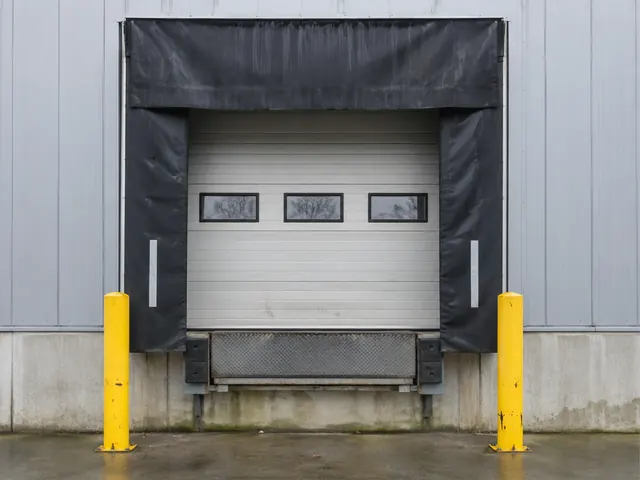
Photo of the dock door
Take the photo and record what it is and what condition it is in. The finding is filed under Hall A, dock 12.
02
Record the location
Do you have a floor plan? Tap the spot where you are standing. Without a drawing you pick or type the location, for example Hall A, dock 12.
03
Check and report
The overview shows what is still open, for example under dock doors. Then you share the report.
Related sectors

Shopping centres and retail
Management round past entrances, arcades and common areas

Industry and data centres
Inspection of installations, plant rooms and equipment
Discuss your inspection
Tell us which locations and components you inspect. We will show how that works in the tool.
Request a demo